

Virtual terminal
Process payments without a storefront.
The emerchantpay virtual terminal lets you manually enter a payment transaction to be processed through the emerchantpay payment gateway. Use the virtual terminal to process payments while you build your integration or when you perform maintenance on your server.

Access the virtual terminal by logging in to the Gateway Console. After you log in, use the virtual terminal to:
- Manually process a payment method added to your account
- Send a payment link using Pay by link
- Process a Mail Order/Telephone Order (MOTO) payment

Access the virtual terminal
You will receive an email from emerchantpay support that provides you with a link and login credentials to the Gateway Console where you access the virtual terminal.
Your Account Manager will help you identify the appropriate transaction types to use for your business, and will set up your merchant account to include the MID(s), terminal(s), and payment methods required to process payments.
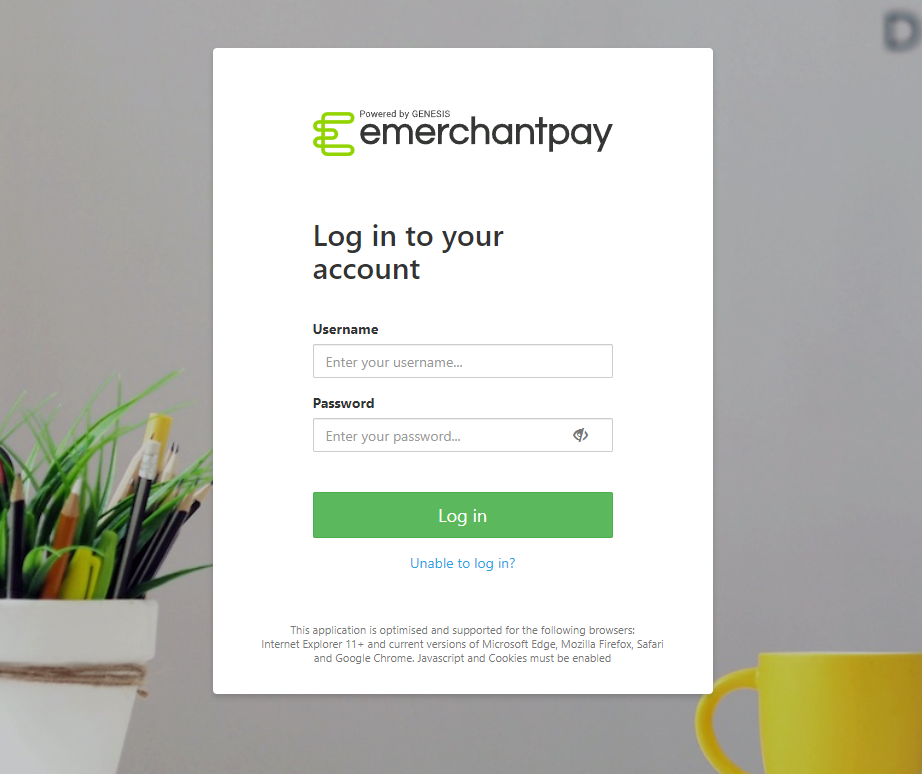
After you log in, use the virtual terminal to send a payment link or process a MOTO payment.
For a visual guide on using the Virtual Terminal features, refer to the emerchantpay YouTube channel’s video guides, which cover tasks such as performing MOTO payments, processing refunds, and more.
